Choose the groups
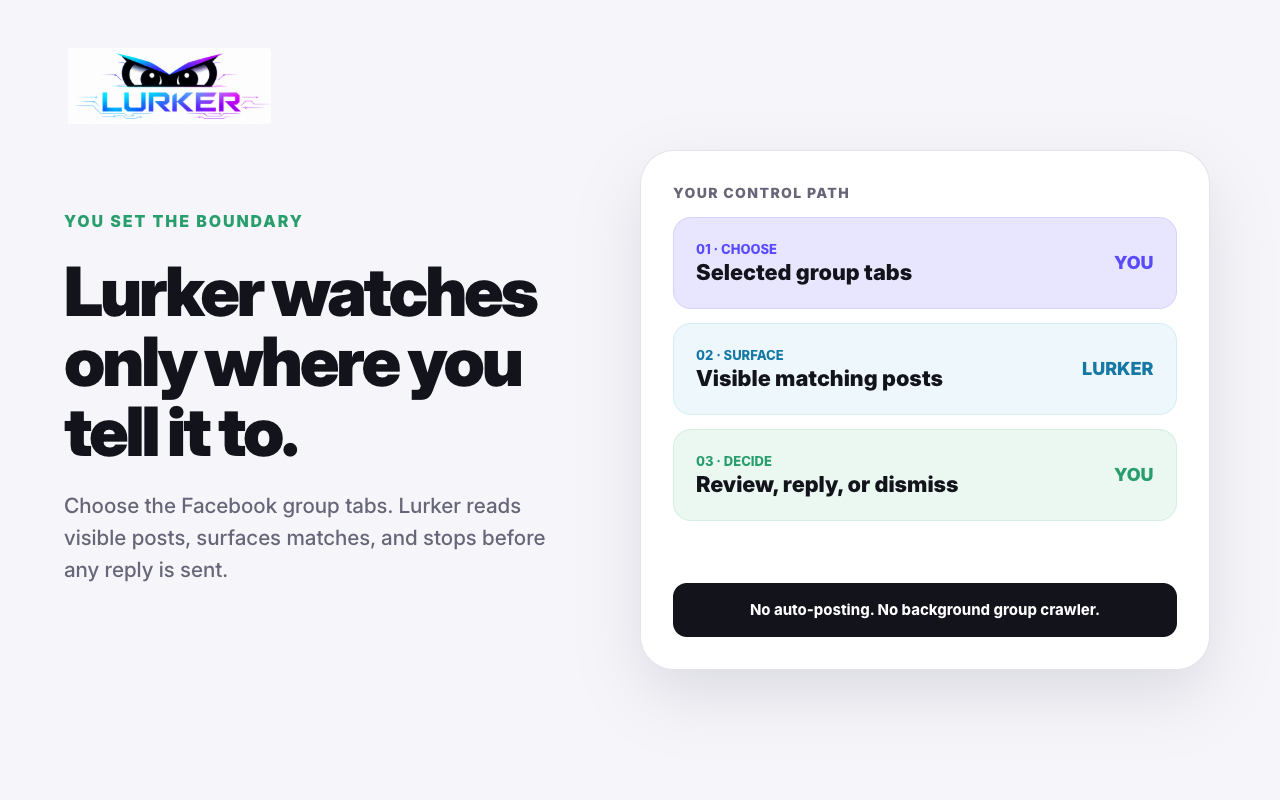
You control the supported Facebook tabs and watched groups available to Lurker.

Lurker watches the supported Facebook group tabs you choose and turns eligible visible posts into a focused opportunity inbox. Review the context, refine any available draft, and decide whether to respond yourself.

Useful buying signals can disappear into busy local groups while the business is doing actual work. Lurker narrows the review task without taking over the relationship.
You control the supported Facebook tabs and watched groups available to Lurker.
Review post context, match reason, service fit, and diagnostics before spending time on a reply.
Copy or edit an available draft, open the original Facebook post, and act only when you choose.
A surfaced item can show the visible post, the reason it matched, the relevant service, and the next-step link configured for the workspace. Available drafting and media tools still require operator review.
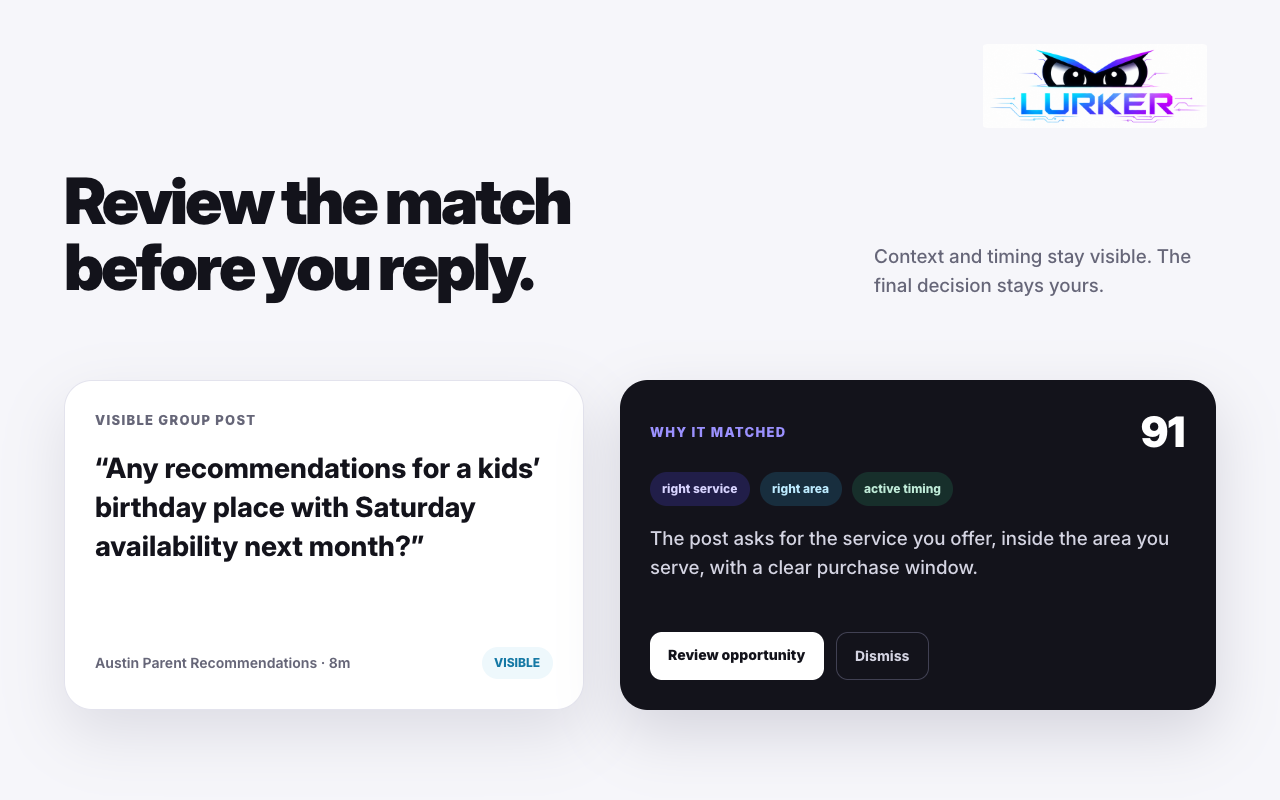
The product is built for review, not autonomous Facebook activity. Your team remains responsible for group rules, tone, accuracy, and every response.
Prices are monthly. Current default capacities are shown below; the authenticated app displays the exact limits and billing status for your workspace.
Try keyword-only monitoring with no card required.
More keyword-only capacity for a focused operator.
Add company-aware review and supported media suggestions.
Higher-capacity AI review and company-context reply assistance.
Paid plan selection creates the workspace first, then continues to Stripe Checkout. Billing management remains in Lurker settings. Plan capacity is not a guarantee that Facebook will expose every relevant post.
The app shows current usage, remaining AI analysis capacity, watched-group and keyword limits, decision-history length, upgrade options, and the billing-management path.
Start with a free workspace, then install the verified Chrome extension when you are ready to connect the workflow.